Graphic & Video
Interfaces that feel effortless
We design user flows, wireframes, interfaces and clickable prototypes — so your product is easy to use before a single line of code is written.
Overview
Design decisions before development costs
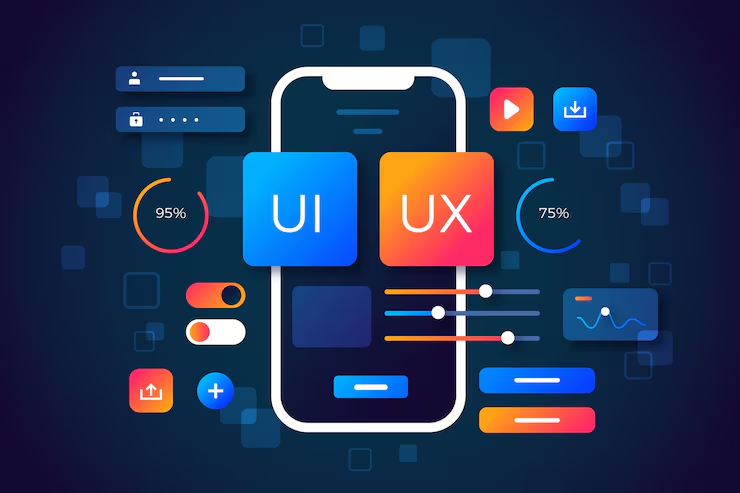
Changing a design in Figma takes minutes; changing a built feature can take days. Good UI/UX design answers the important questions early: who the users are, what they need to do and how the interface helps them do it quickly.
We create user flows and wireframes to get the structure right, then visual designs and a design system for consistency. Clickable prototypes let you test with users and give developers everything they need.
Who this is for
- Startups designing a new product or MVP
- Teams redesigning a confusing website or app
- Developers who need professional designs to build from
- Companies preparing an investor or stakeholder demo
- Businesses building internal tools for their staff
The challenge
Problems this solves
Why it pays off
Key benefits
- Products that are easier to learn and use
- Less development rework
- Consistent interfaces through a design system
- Prototypes to test ideas with real users
- Clear hand-off for developers
What you receive
- User flows and information architecture
- Wireframes for key screens
- High-fidelity UI designs (desktop and mobile)
- Clickable prototype in Figma
- Design system / component library and hand-off notes
Features
What is included
Examples
Practical use cases
Design of a data-rich dashboard with navigation, tables, filters and settings that stay clear as features grow.
Restructured navigation and page layouts based on how visitors actually look for information.
Interfaces designed for phones first, then expanded for tablet and desktop.
Stack
Tools & technologies
We choose tools for each project based on what you already use, your budget and who will maintain the result. Typical choices:
- Figma
- FigJam for flows and workshops
- Adobe Illustrator and Photoshop
- Prototype testing tools
- Developer hand-off in Figma
Process
How the project runs
-
01
Research
We clarify users, goals and tasks, and review the current product if there is one.
-
02
Flows & wireframes
Structure is agreed with simple wireframes.
-
03
Visual design
Key screens are designed in high fidelity.
-
04
Prototype & test
A clickable prototype is reviewed and refined.
-
05
Hand-off
Designs, components and notes are prepared for developers.
Before we start
What we need from you
- Product goals and target users
- Existing product access or screenshots
- Brand guidelines
- Feedback from users or stakeholders if available
Design and development together
We can design only, or design and build. When another team develops the product, we prepare clear specifications and stay available for questions during development.
FAQ
Questions clients ask
Something else on your mind? Send us a message and we will answer it directly.
Both. We can hand designs to your developers or build the website or application ourselves.
UX is how the product works and feels — structure, flows, ease of use. UI is how it looks — layout, colour, typography and components.
Yes. You receive access to or a copy of the Figma files.
Yes. We start with a review of the current experience and prioritise the biggest usability issues.
Often combined with
Related services
Let’s design a better experience
Share your product or idea. We will suggest a design scope that fits.