Software & Development
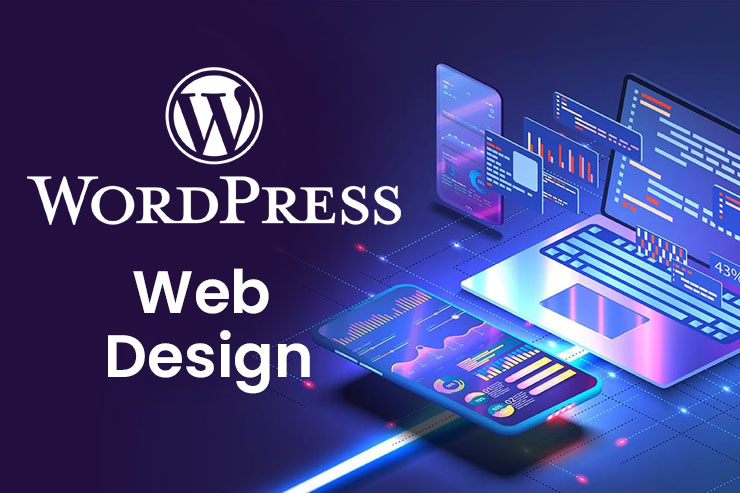
WordPress, done properly
Custom themes and plugins, Elementor builds, WooCommerce changes, speed fixes and careful migrations — for WordPress sites that are fast, secure and easy to manage.
Overview
Get more from the platform you already know
WordPress powers a large share of the web because it is flexible and familiar. That flexibility also makes it easy to end up with a slow site held together by dozens of plugins.
We build and improve WordPress sites with care: lean custom themes or well-configured page builders, custom functionality where a plugin would be overkill, and migrations that keep your content, SEO and email working.
Who this is for
- Businesses running their website on WordPress or WooCommerce
- Owners whose site has become slow, broken or hard to edit
- Teams moving to new hosting or a new domain
- Agencies that need a reliable WordPress development partner
- Sites moving from other platforms (Wix, Squarespace, custom) to WordPress
The challenge
Problems this solves
Why it pays off
Key benefits
- Faster, cleaner sites with fewer plugins
- Custom features that fit your workflow exactly
- Migrations with redirects and minimal downtime
- An editor your team can use without breaking layouts
- Code that follows WordPress standards and is maintainable
What you receive
- Custom theme, child theme or page-builder setup
- Custom plugins or functionality where needed
- Migration plan, backups and redirect map
- Performance and security improvements
- Documentation of changes made
Features
What is included
Examples
Practical use cases
Replace a heavy, outdated theme with a lean custom one while keeping the content and URLs intact.
Move a site from another builder or CMS to WordPress, including pages, posts, images and 301 redirects from old URLs.
Booking forms, member areas, custom post types or integrations with your CRM built as a small, focused plugin.
Stack
Tools & technologies
We choose tools for each project based on what you already use, your budget and who will maintain the result. Typical choices:
- WordPress core and REST API
- Elementor and Gutenberg
- WooCommerce
- PHP, MySQL and JavaScript
- WP-CLI and staging environments
- Caching and security plugins chosen per site
Process
How the project runs
-
01
Review
We audit the current site, plugins, theme and hosting.
-
02
Plan
We agree the changes, risks and a backup and rollback plan.
-
03
Develop on staging
Work happens on a copy of the site, never directly on live.
-
04
Test & deploy
You review the staging site, then we deploy and check everything.
Before we start
What we need from you
- WordPress admin access
- Hosting or cPanel access (for staging, backups and migrations)
- Domain/DNS access for migrations
- A list of what is working, what is not and what you need
Staging first, always
Changes are made and tested on a staging copy before they touch your live site. Before any migration we take full backups and prepare a rollback plan.
FAQ
Questions clients ask
Something else on your mind? Send us a message and we will answer it directly.
Yes. We start with a short review, explain what we find and fix the most important issues first.
A careful migration keeps URLs or redirects them with 301s, keeps metadata and checks Search Console afterwards, which protects rankings as much as possible.
Yes, and we set it up with global styles and templates so your team can edit pages without breaking the design.
Usually, yes — by reducing plugins, optimising images, adding caching and fixing slow queries or theme code.
Often combined with
Related services
Need help with WordPress?
Send us your site address and what you need. We will reply with a clear plan.